
Let your customers personalize your products by choosing colors and materials, and by placing custom text and image areas. They become active participants in their purchase journey, configuring the product exactly the way they want and seeing the result in real time.
.png)
Upload the raw 3D model of your merch directly to the Naker platform. (If you don’t have a 3D version of your product yet, don’t worry, we can create one for you.)
Define the different colors and textures available for your product.
Define the areas where your customers can add text and images to your product.
Integrate the configurator into your e-commerce site so your customers can start customizing your products in real time.
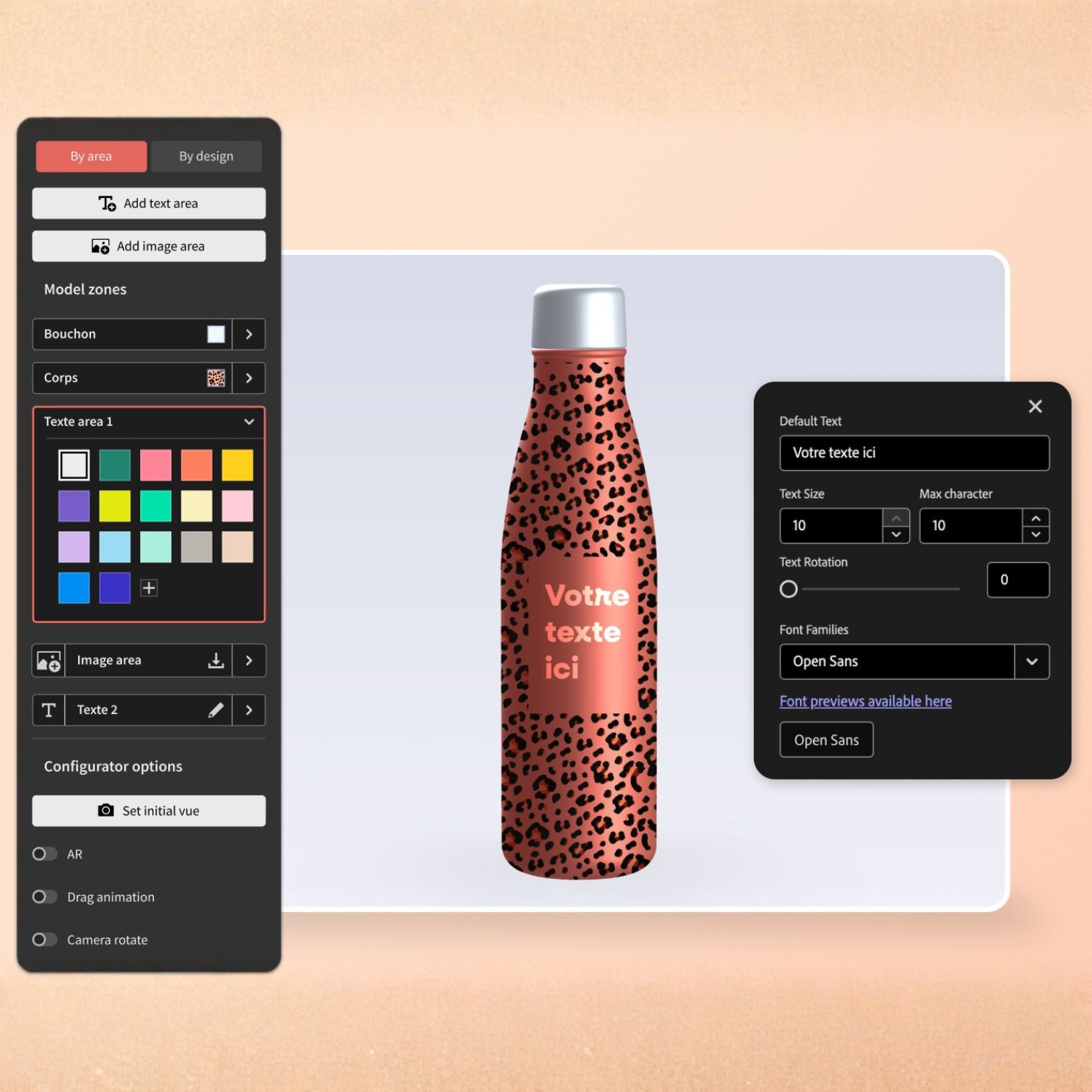
Let your customers write whatever they want on your products by adding text areas. Set up the customization with your available fonts and colors.
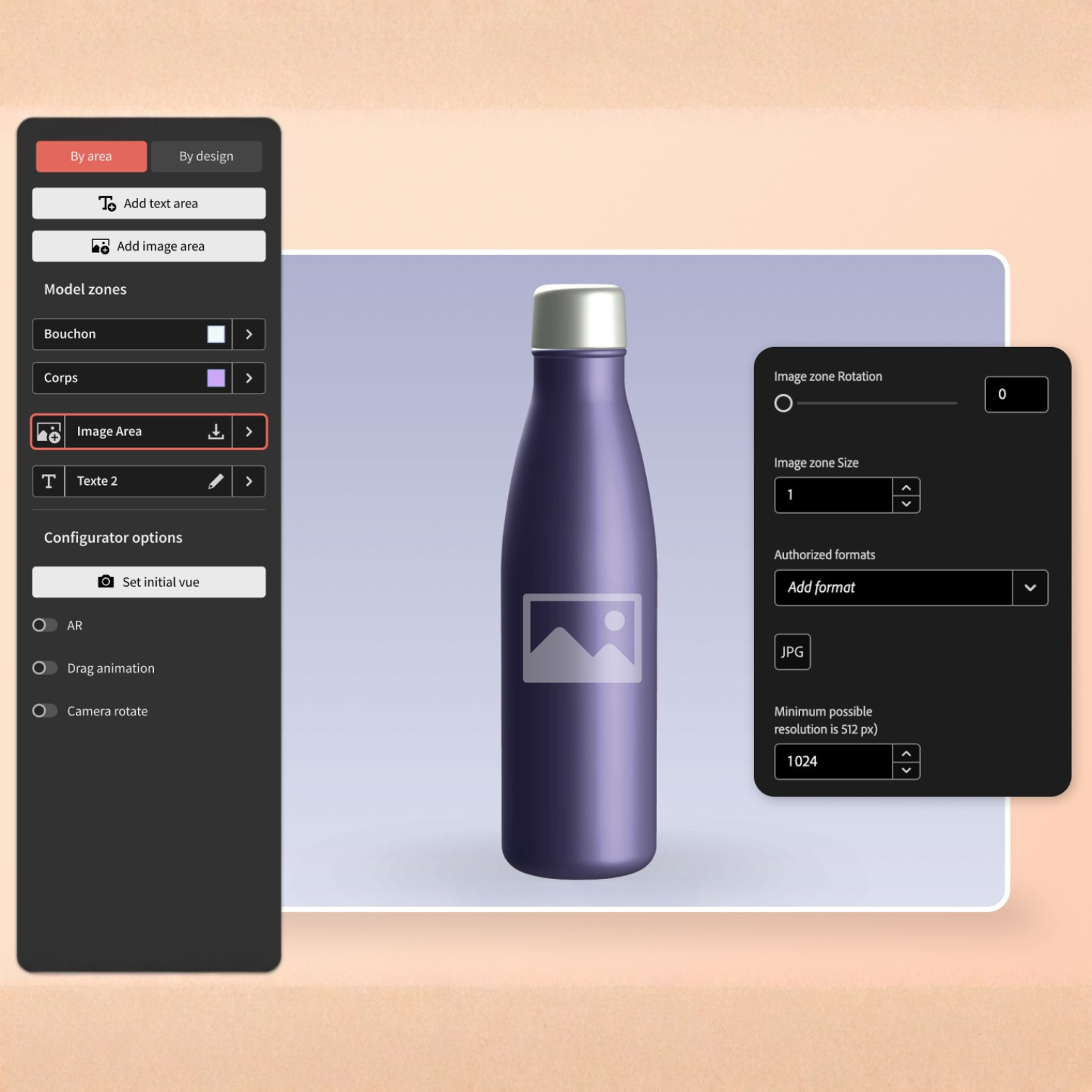
Give them the ability to add their logo or any image of their choice to your product by defining image upload areas. Select the file type and size allowed based on your printing requirements.


We help brands and agencies to put more 3D in their daily process. From product creation to virtual photography and eCommerce experiences.


